Published
- 2 min read
Markdown Renderer Demo

This post is a fixture for the blog renderer. It collects the Markdown and MDX patterns this site supports so style changes can be checked in one place.
Headings
Headings start at level two inside posts because the post title already provides the page-level heading.
Third-level heading
Use third-level headings to split larger sections.
Fourth-level heading
Use fourth-level headings for short subsections when the hierarchy needs one more level.
Paragraph Text
Paragraphs can include strong text, emphasized text, and inline code. Links render inline too, like Astro’s Markdown documentation.
Line breaks inside a paragraph are normalized by Markdown, so separate paragraphs with a blank line when the content should breathe.
Lists
Unordered lists support multiple items:
- Blog content lives in
src/content/blog. - Frontmatter is validated by the content collection schema.
- Fenced code blocks are highlighted and get copy controls.
Ordered lists are useful for procedures:
- Write Markdown in an
.mdxfile. - Build the site with Astro.
- Review the generated post page.
Nested lists work when the child items are indented:
- Parent item
- Child item
- Another child item with
inline code
- Second parent item
Blockquotes
Blockquotes are useful for callouts, quoted text, and notes that should stand apart from the surrounding paragraph.
They can contain multiple paragraphs in the same quoted block.
Code Blocks
Plain fenced code blocks render as highlighted, copyable code.
type RendererFeature = 'markdown' | 'mdx' | 'mermaid'

const supportedFeatures: RendererFeature[] = ['markdown', 'mdx', 'mermaid']

for (const feature of supportedFeatures) {
	console.log(`${feature} is enabled`)
}
Unlabeled fences render without language-specific highlighting.
src/content/blog/markdown-renderer-demo.mdxMermaid Diagrams
Mermaid diagrams use standard fenced Markdown blocks with the mermaid language.
			flowchart TD
  A[Write Markdown] --> B[Astro renders MDX]
  B --> C{Block type}
  C -->|Code| D[Highlighted code block]
  C -->|Mermaid| E[Browser-rendered diagram]
  C -->|Markdown| F[Typography styles]
Sequence diagrams are supported too.
			sequenceDiagram
  participant Author
  participant Astro
  participant Browser
  Author->>Astro: Commit MDX content
  Astro->>Browser: Serve rendered post
  Browser->>Browser: Render Mermaid diagram
Images
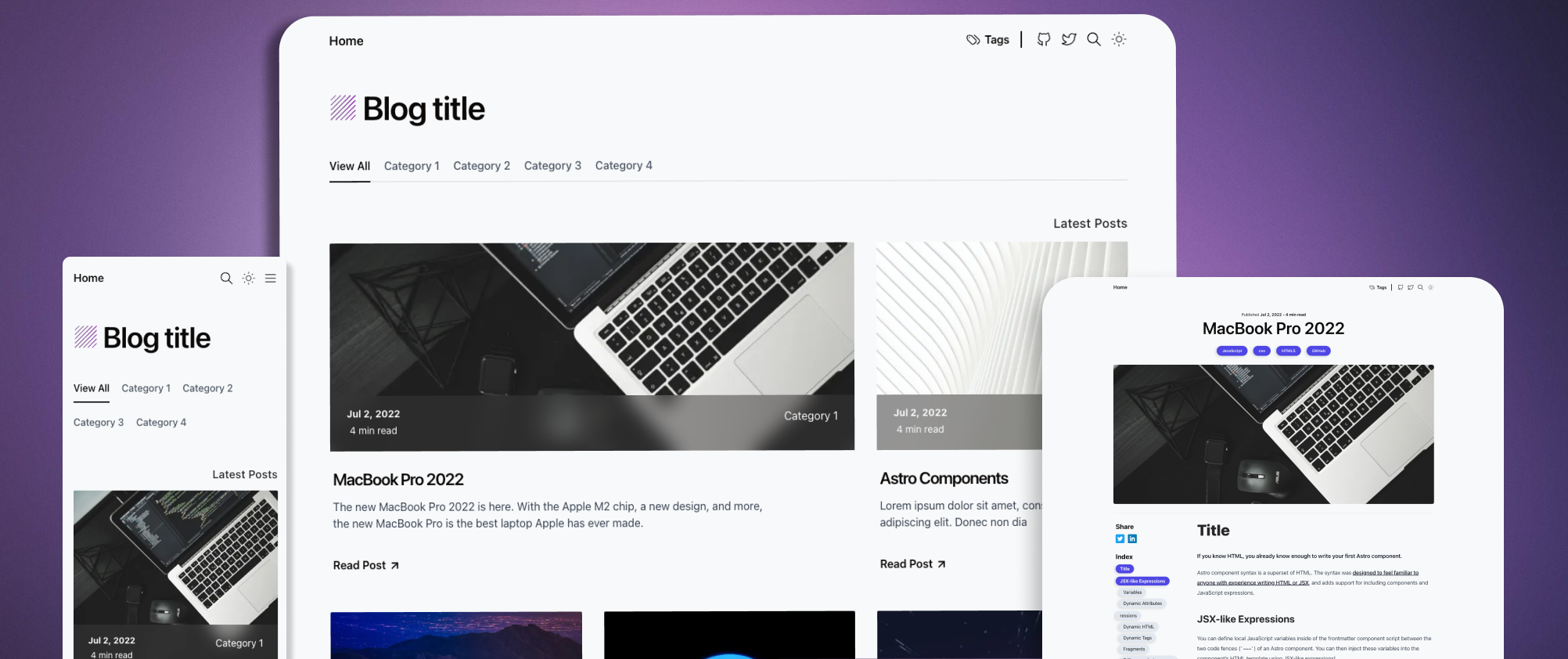
Markdown images render as regular post images. Public assets can be referenced from the site root.
Horizontal Rules
Horizontal rules can divide sections.
The content after the rule continues as a normal paragraph.
MDX Components
Post pages map the custom SButton component, so MDX can render interactive-looking components alongside Markdown.
Escaped Characters
Markdown can display reserved characters when they are escaped: *not emphasized*, `not code`, and [not a link].